
Searching Bibb County Civil Dockets
Begin with the pleading or notice itself. It names the court. Divorce, equity, and title-to-land disputes sit with Bibb County Superior Court, while State Court takes civil matters within its statutory jurisdiction. Smaller stakes travel elsewhere. Small claims, dispossessories, repossessions, garnishments, and foreclosures usually start in Civil and Magistrate Court. Estates and guardianships go to Probate.
For Superior and State cases in the system, an account on re:SearchGA opens both Cases and Hearings searches. State Court adds its own county Docket Search. The Civil and Magistrate Court page runs a separate route for its matters. Search by exact case number when you can, since party names often pull up unrelated cases.
- Identify the court from the pleading or claim type.
- Choose that court’s official search channel.
- Enter the case number or public party name.
- Match the caption, court, type, and filing year.
- Read the latest event and check for a later reset or order.
- Contact the clerk for an image or certified copy.
Bibb Civil Dockets by Claim
One courthouse, several clerks. The building at 601 Mulberry Street houses them all. But the right building is not the right counter. Superior Clerk filings are filed in Suite 216. State Court works from Room 500. Civil and Magistrate Court sits on the fourth floor. Probate is up on the second. Know which counter keeps your Bibb County civil docket before you go.
| Civil matter | Court | Primary channel |
|---|---|---|
| Divorce, equity, land title | Superior | re:SearchGA, then Suite 216 |
| State civil jury matter | State | Docket Search or re:SearchGA |
| Small claim, eviction, garnishment | Civil/Magistrate | Official page search, then fourth floor |
| Estate or guardianship | Probate | Second-floor clerk |
A case that transfers between courts can carry cross-referenced numbers in each docket. Track the receiving court's record rather than trusting the first portal to stay complete.
Inside a Bibb Civil Docket
Think of a Bibb County civil docket as a dated index rather than the whole case file. The header gives you the basics: case number, caption, court, assigned judge, filed date, case type, and current status. From there the event history tells the story. You may see the complaint or petition, service, an answer, motions, notices, hearings, and orders. The judgment and any post-judgment work may appear too.
| Caption | The abbreviated plaintiff and defendant, or petitioner and respondent, roles. |
|---|---|
| Service | Issuance and return activity showing delivery efforts, not the merits. |
| Motion | A party’s request for a ruling; it does not show that relief was granted. |
| Setting | A hearing date, time, judge, and format when published. |
| Disposition | Dismissal, default, agreed judgment, trial judgment, transfer, or other result. |
| Post-judgment | Garnishment, execution, appeal, satisfaction, or reopening activity. |
Just because an event shows up online does not mean its image downloads. And when a portal label conflicts with the signed order, the order wins.
Fourth-Floor Bibb Civil Dockets
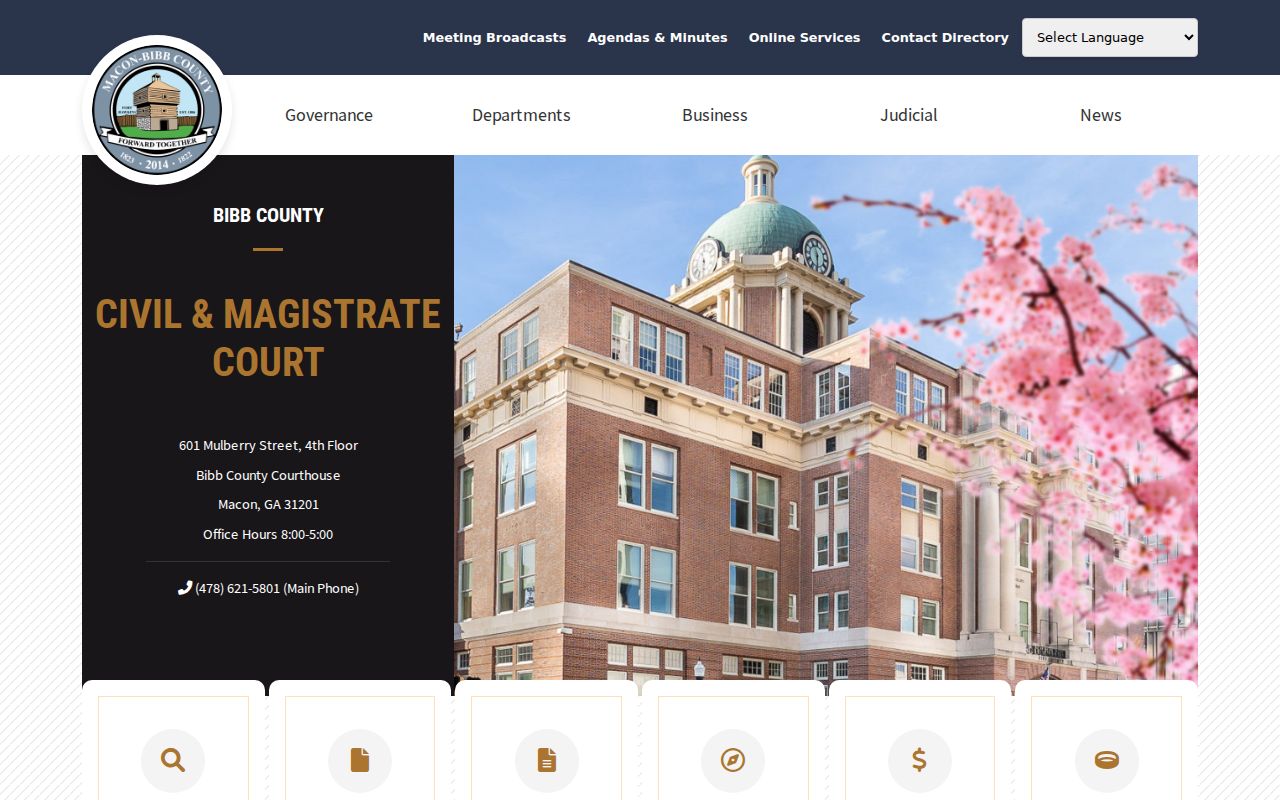
Civil and Magistrate Court is where many practical Bibb County disputes land first. Small claims, dispossessory actions, repossessions, garnishments, and foreclosures all start here. The volume is high. Its official county page links to a distinct search. None of these cases turn into State or Superior records just because the offices share a courthouse.
When the search will not load, call 478-621-5801 or go to the fourth-floor clerk. Bring the case number and party caption. Add the approximate filing year, plus the document or event you want. Asking for one judgment costs less and moves faster than requesting an entire file. The official Civil and Magistrate page shows the court and its search route.
Civil Case Types on the Docket
Civil dockets cover far more than money claims. Superior Court alone holds divorce, equity, and title-to-land matters, along with other general civil disputes. State Court takes civil jury matters within its legal scope. Civil and Magistrate Court handles smaller claims. It also covers the collection and possession proceedings that matter most to everyday litigants. Probate manages estates, guardianships, conservatorships, and related proceedings, though some records there carry access limits.
Never read the claim category as the outcome. A complaint may allege a sum, demand possession, or seek an injunction. The docket can still end in dismissal, settlement, default, trial judgment, transfer, or appeal. The signed final document tells you what the court actually ruled.
PeachCourt and Bibb Civil Dockets
PeachCourt handles e-filing for most Bibb State civil cases. But the provider is not the official State Court file. A receipt proves only that a filer sent material. Acceptance by the clerk, public availability, and any judicial action are separate steps. Bibb Superior Court runs on Odyssey eFileGA instead.
Trust the docket for acceptance and the order of events. When a result truly matters, get the signed order from the clerk. The PeachCourt service still works well for filing. Just do not confuse its role with record custody.

Civil Docket Settings and Hearings
A civil event list may stack up several hearing notices. Read them in order. Watch for a later continuance, reset, or signed scheduling order, because the newest docket entry is not always the newest setting. Check both the event register and the hearing section. A calendar call tests readiness without being the trial.
Most Bibb State civil hearings stay virtual. The public may still observe in person under the court's current operation notice. Confirm format with the assigned court. Superior annual calendars list civil trial weeks and assigned judges, but they get supplemented. So a case-specific order plus live confirmation from the clerk beats an old calendar image. If a setting looks wrong, call the assigned clerk or chambers with the case number. A voicemail changes nothing; it does not amend an order or excuse an appearance.
Reading Bibb Civil Docket Outcomes
Default, nonsuit, dismissal, and agreed judgment each mean something different. A voluntary dismissal or nonsuit ends the claimant's current action, subject to procedural rules. Default judgment follows a failure to respond or defend. A consent or agreed judgment is different. It records an approved bargain between the parties. Judgment after trial means the court adjudicated the dispute.
Cause of action: the legal claim category, not proof that the claim succeeded.
Stayed: activity is paused by law or court order.
Notice of appeal: the filing that begins appellate review.
A figure on the complaint tells you what one side claims, not what the court awarded. Even a docket entry marked judgment only points to the paperwork; read the signed judgment itself for the real terms. For certified copies, go to the clerk who holds the file rather than relying on any screen grab.
Civil Docket Access Rules
Bibb State Court treats its civil and criminal filings, administrative orders, and minutes as public unless a judge seals them or the law makes them confidential. The court also notes a wrinkle in Georgia: the judicial branch sits outside the ordinary agency definition in the Open Records Act. So access to a Bibb civil docket flows from constitutional openness, court rules, statutes, and orders in each case.
Public access has limits. Social Security numbers and civil dates of birth are confidential under the rules cited by Bibb State Court. Uniform State and Superior Court Rule 21 govern sealing. A missing portal record may be archived, restricted, not yet indexed, or held by another court.
If part of a file is restricted, ask the clerk whether a public portion exists rather than trying to slip past the limit. Some material, like adoption, juvenile, mental-health, and certain guardianship records, demands a special legal basis or its own court process.
Ordering a Bibb Civil Judgment
Start by locating the Bibb civil docket entry. Copy the exact description and event date of the judgment or order you need. Ask the clerk whether the image can be inspected or purchased. Be clear about format: a plain reading copy, a certified copy, or an exemplified copy. Certification is the clerk's formal attestation. No portal printout supplies it.
A solid request names the court, the case number, and the caption. It also covers the document title, the event date, how many copies, the delivery method, and a cost ceiling. Published Superior civil filing fees include a general $214 filing cost plus separate service charges. Those figures are not copy prices. Get the current copy and certification quote from the responsible clerk.
Send Superior requests to Suite 216, call 478-621-6527, fax 478-621-6033, or email ewoodford@maconbibb.us. State Court requests belong in Room 500 at 478-621-6200, fax 478-621-6008, or P.O. Box 5086, Macon, GA 31213-7199. For Civil and Magistrate, try the fourth-floor office. Call 478-621-5801. The same direct channel covers older files and images the portal lacks.